Low poly portrait maker
A low poly portrait swaps soft skin tones for a mesh of flat-coloured planes, which gives a face a carved, graphic look. Upload a photo of an adult with the face clearly lit, or write a description if you would sooner invent a subject. The Portrait style keeps a 3D feel; Triangulated gives a flatter poster finish.
Make a portrait2 free credits when you sign in with Google
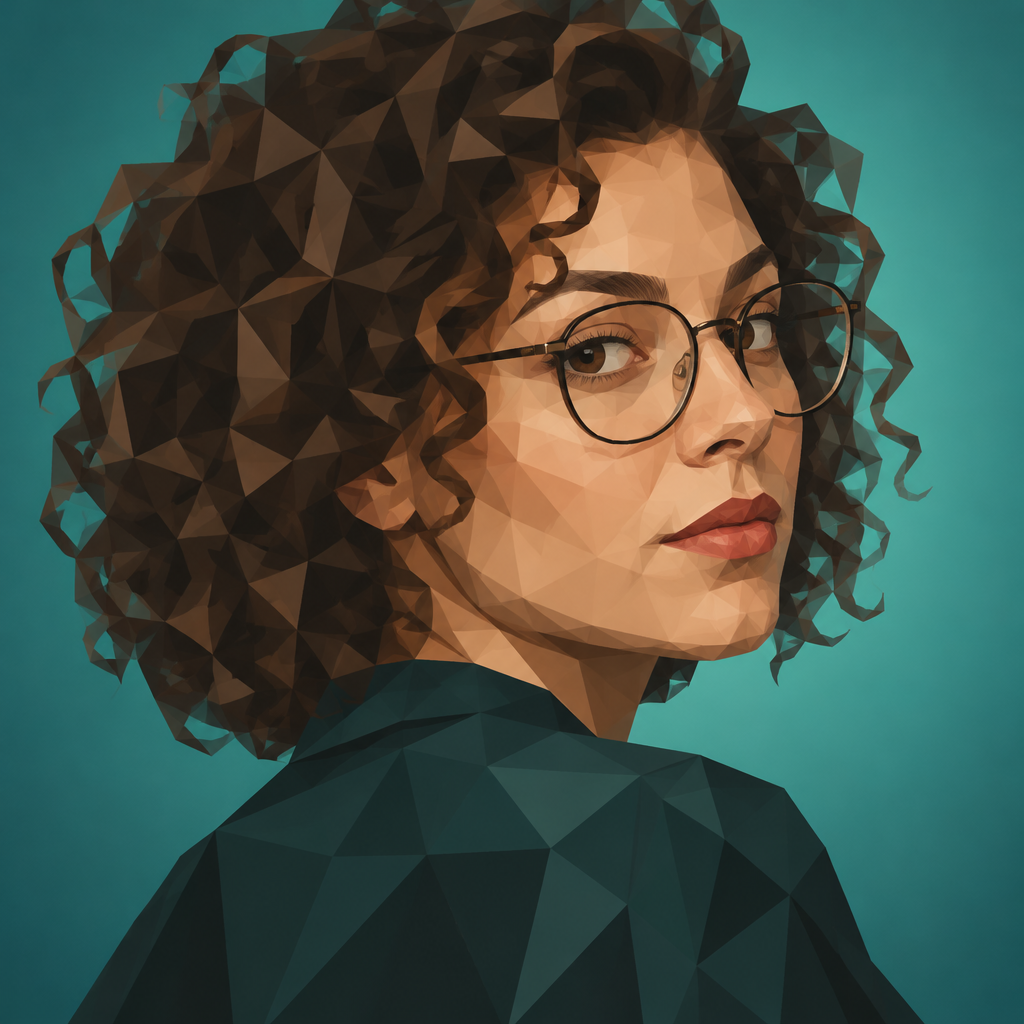
Portrait: a woman with curly hair and round glasses looking over her shoulder, teal backdrop
How it works
- 1
Add a photo or a description
A head-and-shoulders photo with even light works well. Without a photo, describe hair, expression and clothing.
- 2
Choose Portrait or Triangulated
Portrait reads as a faceted 3D bust; Triangulated is a flat mosaic of triangles.
- 3
Tune and upscale
Ask for a different background colour or coarser facets, then upscale your pick for printing.
- Start from a photo or from text
- Two portrait treatments: 3D facets or flat triangulation
- Change background, palette and facet size with written edits
- Upscale before you print
From the community gallery
Nothing here yet
Be the first to create one.