Turn a photo into low poly art
Photo mode takes a picture you upload and redraws it in polygons: planes of flat colour replace skin, fur, stone and sky. Portraits of adults, pets, cars, houses and holiday views are all reasonable starting points. Choose Portrait or Triangulated for faces, or Papercraft and Crystal when you want something more sculptural.
Upload a photo2 free credits when you sign in with Google
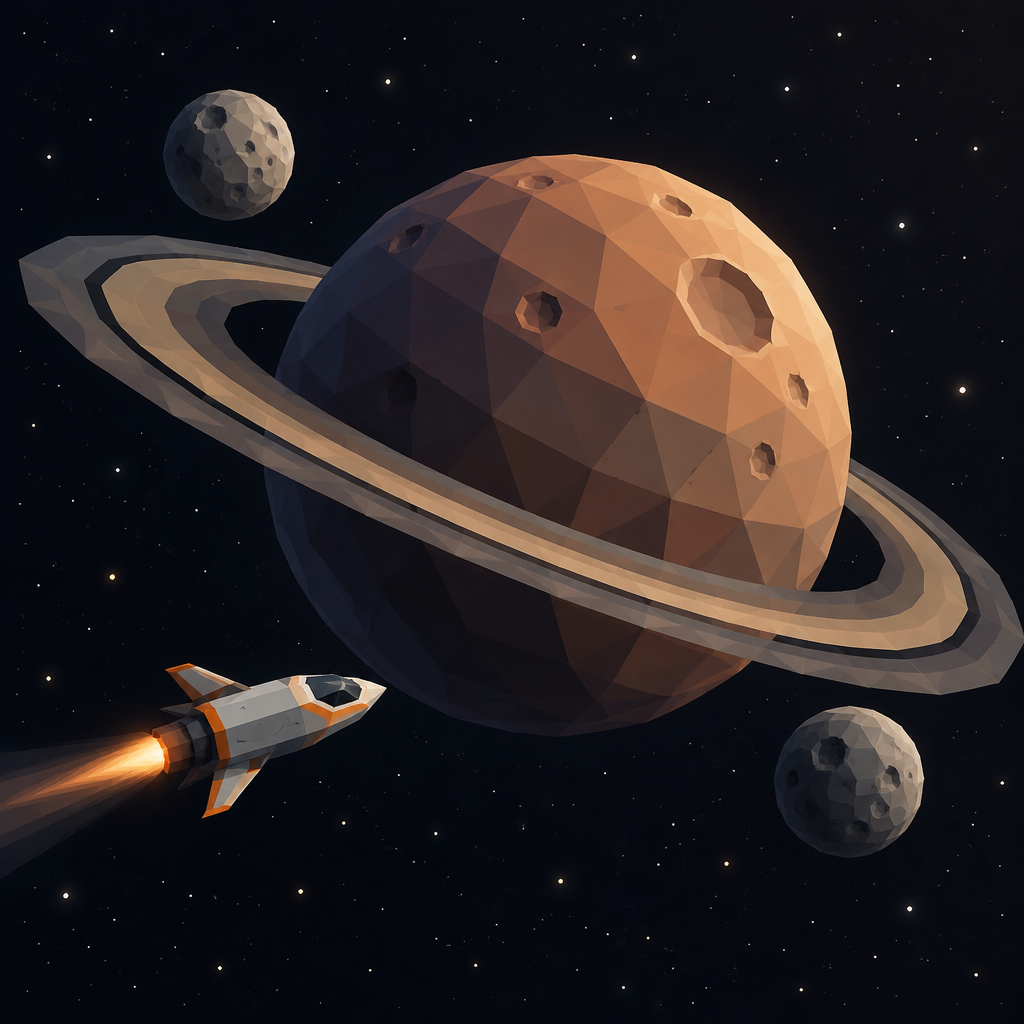
Space: a ringed planet with two small moons and a passing rocket
How it works
- 1
Upload a picture
Choose a clear, well-lit photo. One main subject with some space around it gives the tidiest facets.
- 2
Set the style
Pick a faceted look, and add a line of direction if you want a new background or colour scheme.
- 3
Refine the result
Ask for changes in plain English, such as fewer triangles or a darker backdrop, then upscale the version you like.
- Starts from your own photo instead of a text-only prompt
- Works with people, pets, buildings, vehicles and scenery
- Every one of the 48 styles can be applied to a photo
- Edit with written instructions after the first render
From the community gallery
Nothing here yet
Be the first to create one.